
Popular resources
The fastest paths to commonly used customer tools.
Browse by category
Choose the area that best matches what you need.
Getting Started
A guided path for new customers and new team members.
Training & Education
Academy, protocols, live training, webinars and community.
Marketing & Brand Assets
Brochures, logos, photos, videos and editable templates.
Product Resources
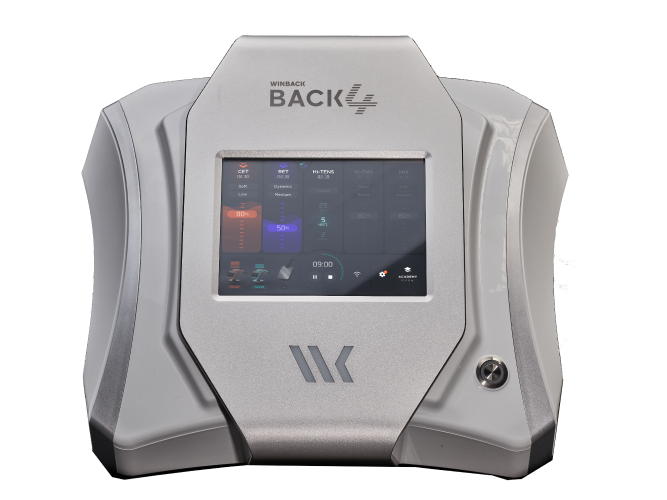
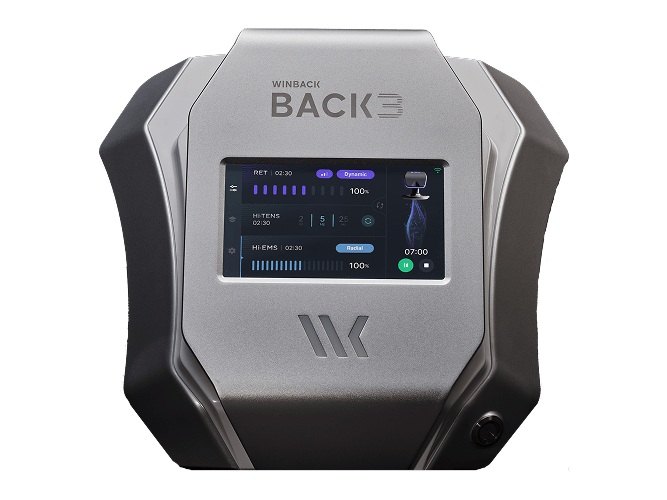
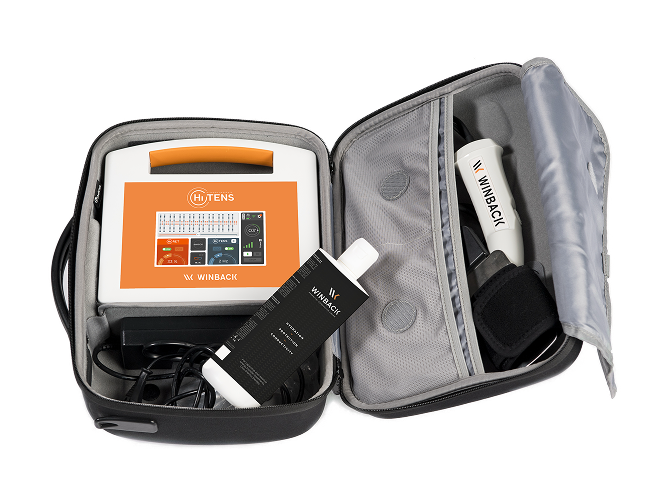
Documentation organized by BACK4, BACK3TX and Hi-TENS.
Clinical Tools
Protocols and practical treatment guidance.
Support & Orders
Troubleshooting, account help and consumable requests.
Getting started
A simple onboarding path for new Winback users.
Set your team up for success.
Keep the first experience focused. Learn the system, complete training, start with core protocols, then introduce Winback to patients.
Your Education Journey
Winback education is designed as a step-by-step path, from initial setup through advanced certification.
Introduction Training
A 2-hour virtual introduction covering device setup, CET/RET basics, and Academy access.
- Get your device set up confidently
- Learn CET & RET fundamentals from the start
- Prepare your team to begin delivering treatments
Professional Team Training
A customized session with a professional Winback trainer covering more advanced concepts.
- Personalized training for your clinic and team
- Guidance tailored to your patient needs
- Learn to maximize TECAR treatments with Hi-EMS & Hi-TENS
Level 1 Certification
Awarded after completing all required eLearning modules and the previous education steps.
- Official Winback Certified Provider status
- Professional CEUs where applicable
- Featured status on Winback's Find A Clinician map
Level 2 Certification BACK4 only
BACK4 users complete a 1-hour Care+ training within 3 months to earn Level II Certification and Care+ site status.
- Advanced, hands-free Care+ training
- Additional CEUs to strengthen credentials
- Custom brand icon on the Find A Clinician map
Ready for your next training?
Email Laura to schedule your Winback training or discuss the next step in your education journey.
Training & Education
Continue learning between formal training milestones with Academy resources, protocols, webinars and live education.
Marketing & Brand Assets
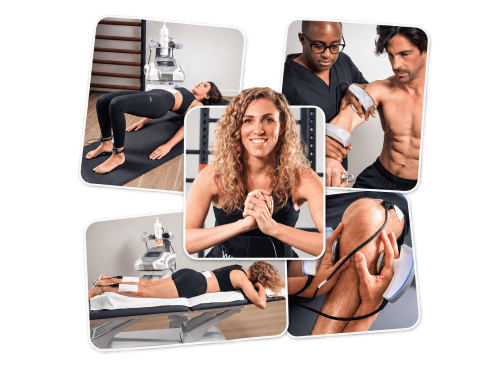
A visual library for the materials customers are most likely to use.
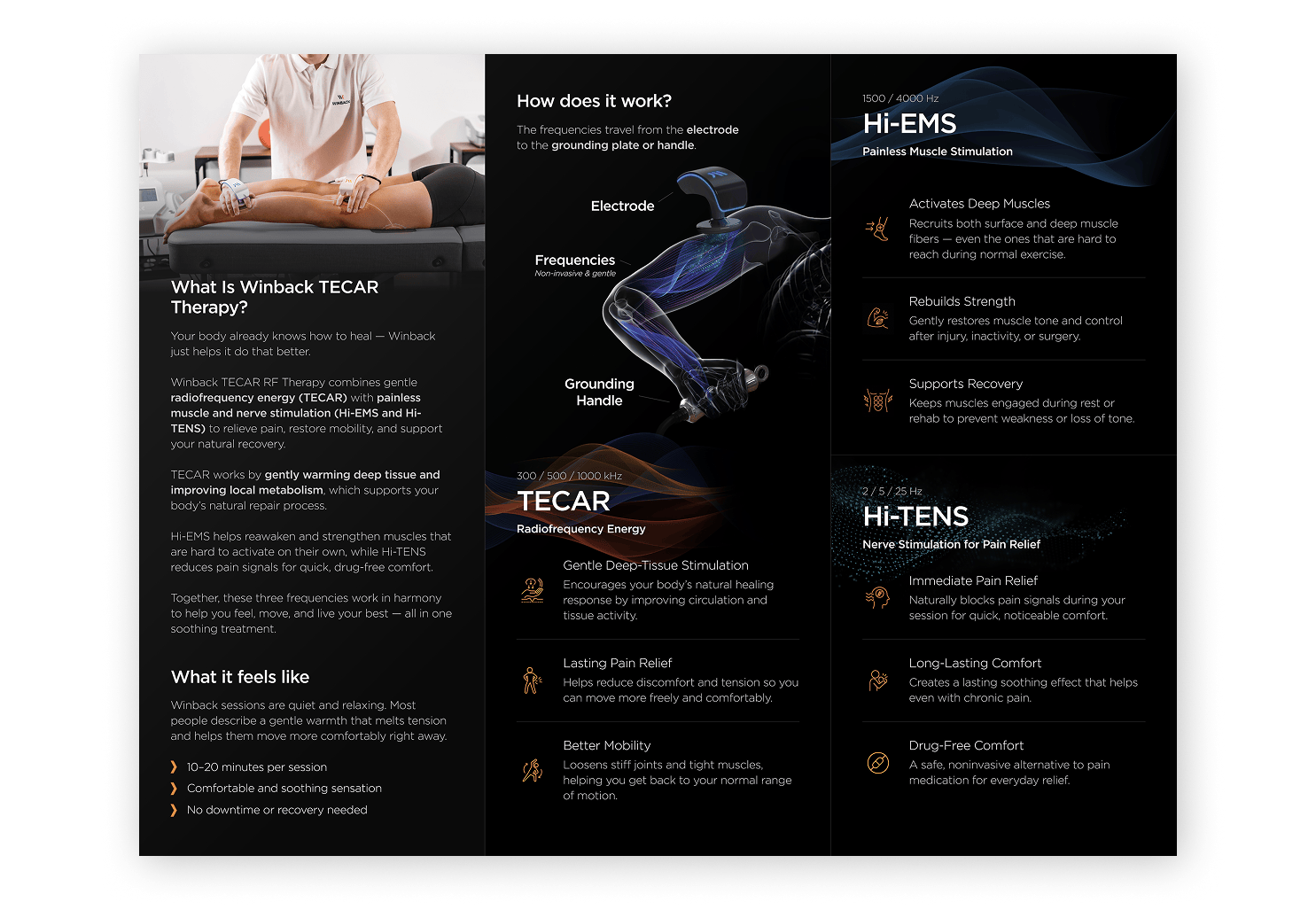
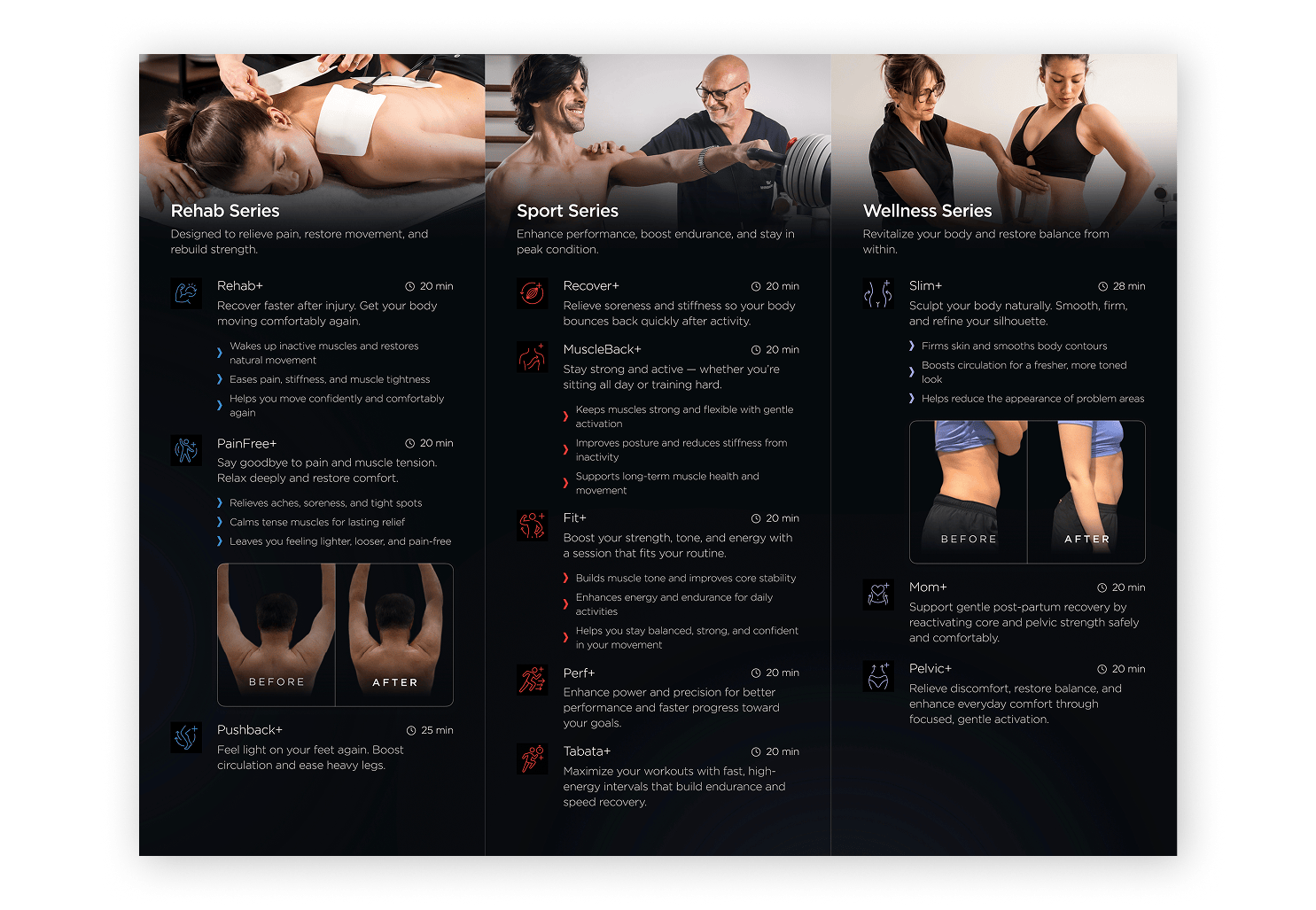
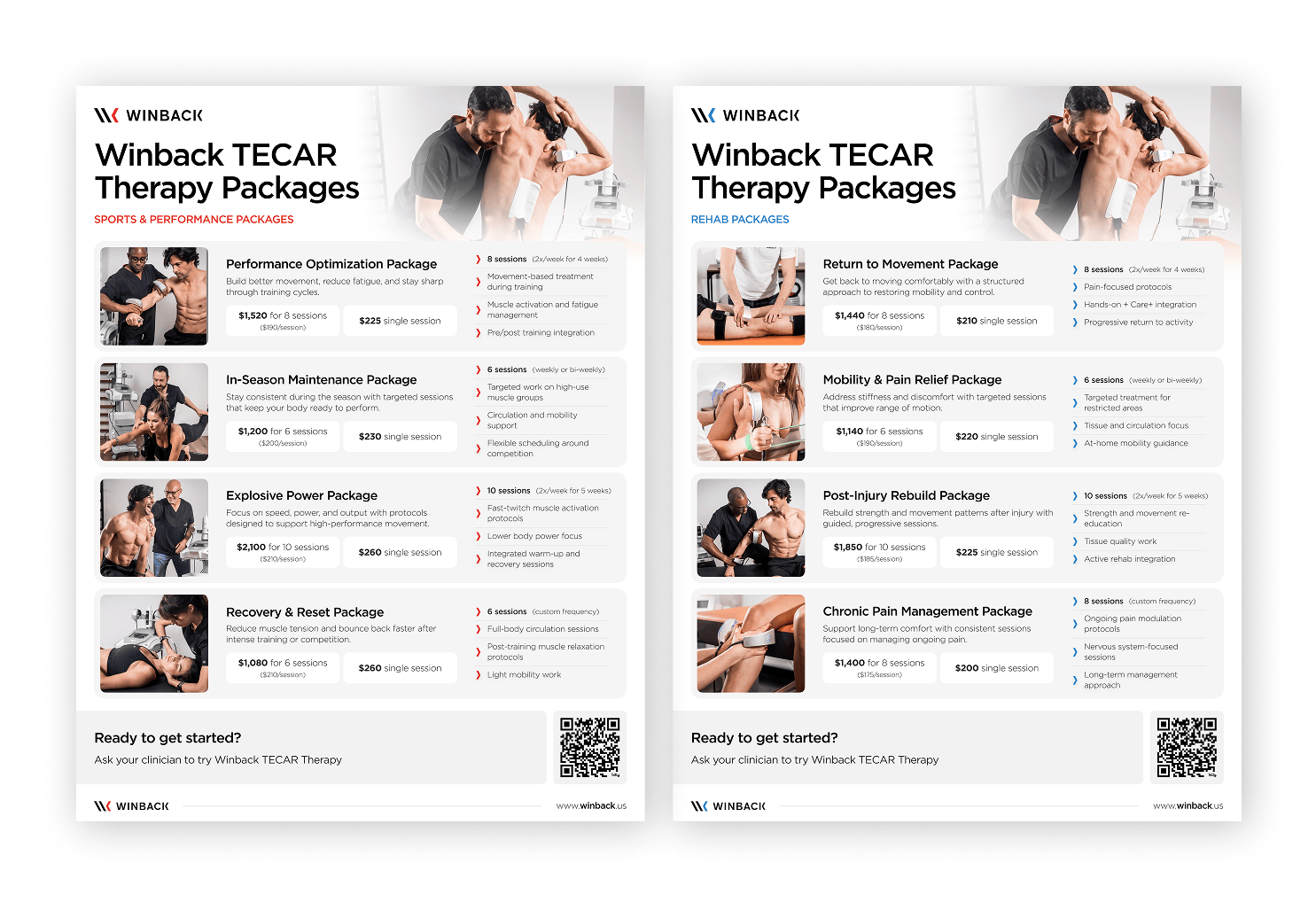

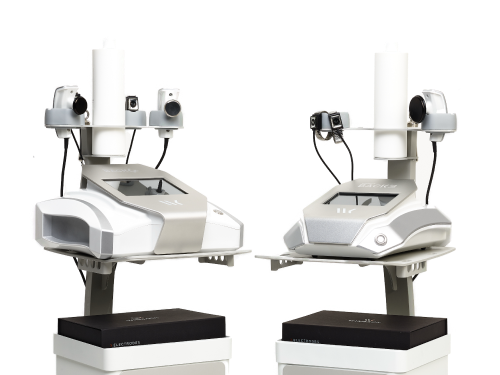
Product Resources
Select the device your clinic uses.
Support & Orders
Choose what you need help with.
Frequently Asked Questions
Quick answers to common questions about training, resources, orders and support.
How do I access Winback Academy?
Use the Winback Academy link on this page to log in. If you do not have access yet, contact our team and we can help confirm your account or get your team set up.
Where can I find my product manual?
Product manuals are available in the Product Resources section. Select your device, such as BACK4, BACK3TX or Hi-TENS, and download the PDF.
How do I reorder consumables?
Use the Consumables / Orders link in the Support section to request creams, electrodes, accessories or other supplies. Include your clinic name and the items you need.
Can I print the materials myself?
Yes. Use the print-ready PDF files when available. For best results, print at 100% scale and avoid using screenshots or compressed image files.
Can I add my clinic logo to materials?
Yes, when using editable Canva templates. For non-editable materials, contact our team before making changes so we can help keep the design and messaging consistent.
Who do I contact for device support?
Use the Device Support link in the Support section for troubleshooting, service requests or technical questions. Include your clinic name, device model and a brief description of the issue.